
Preparing import files
Build predictable CSV and XLSX files that can be matched, validated and reused safely.
Recommended structure
Use one row per Joomla user and one clearly named column per field. The header row should contain unique, descriptive labels such as Name, Email, Username, Groups and Department.
Required information
- Name and E-mail are required when new users can be created.
- Username can be omitted; the e-mail address is then used for new users. In a Frontend UserManager setup with Username = E-mail, username is handled automatically.
- For update-only imports, include a reliable matching value: e-mail, username or Joomla user ID.
CSV files
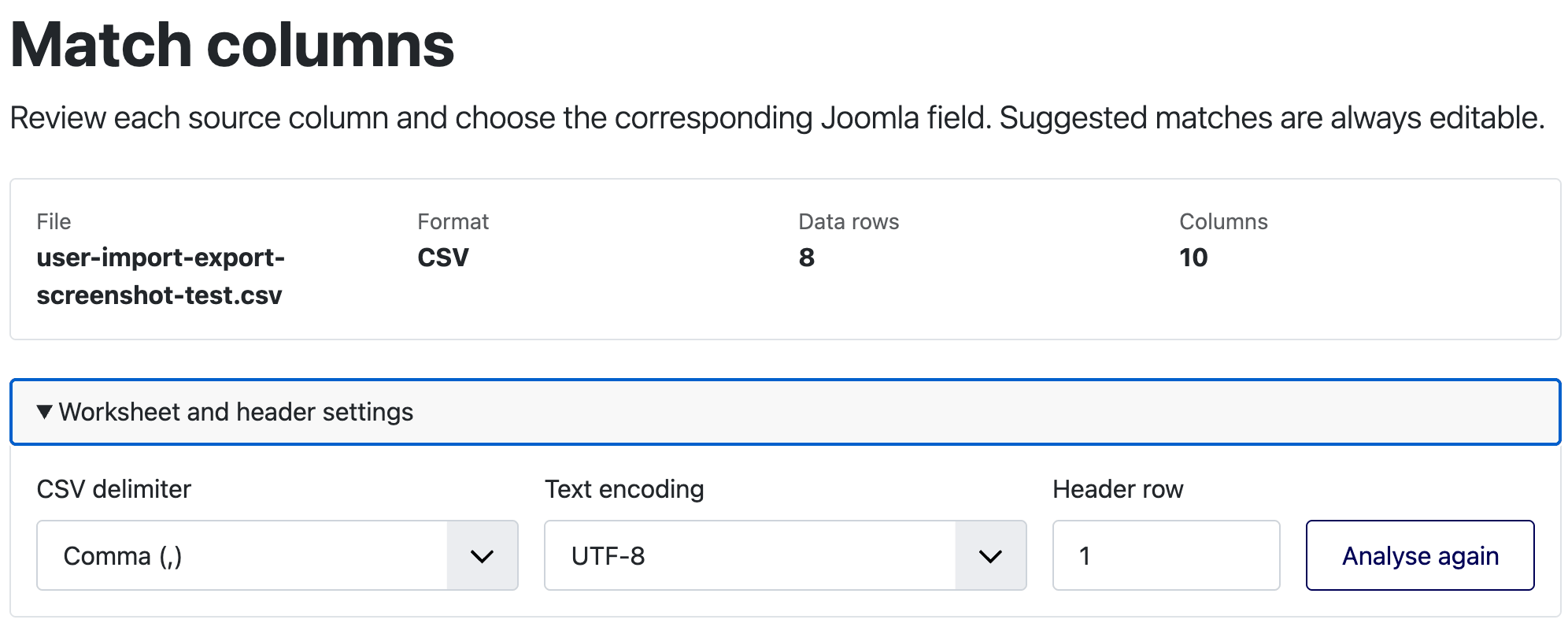
CSV files may use comma, semicolon or tab as the delimiter. During analysis you can choose the delimiter, text encoding and header row. Use UTF-8 whenever possible.
- Quote values that contain the chosen delimiter or line breaks.
- Keep identifiers with leading zeroes as text in your spreadsheet application.
- Do not add titles, notes or empty decorative rows above the data unless you intentionally select a later header row.
XLSX files
For an XLSX workbook, select the worksheet and header row after upload. Keep the import data in a simple rectangular table. Formulas are read as values, but files with unsafe or excessive ZIP compression are rejected.
User groups
Group values can use a numeric group ID, a unique title or a full hierarchical path. Full paths are the safest choice when titles are repeated:
Separate multiple groups in one cell with the configured multiple-value separator, which is | by default. You may also map more than one source column to User groups.
If the same group title exists in more than one branch, use the group ID or full path. A title that is not unique causes a validation error.
Status, dates and multiple values
- Map either Blocked or Enabled, not both.
- Status changes and registration-date imports must be enabled explicitly in the import settings.
- Boolean fields accept recognised yes/no values and are validated before processing.
- Multi-value custom fields use the same configured separator as user groups.
Passwords
A password column must be explicitly identified as either Plain password or Existing Joomla password hash. Never mix both formats in one column, and never send password files through an unapproved channel.
Before uploading
- Remove rows that are not user records.
- Check that the matching column contains no duplicates.
- Confirm that e-mail addresses are valid and unique.
- Check group names or paths against the target Joomla site.
- Keep a protected backup of the target database.
- Start with a representative test file.
